DPD Is Now Integrated with ConvertKit
- Jason
- DPD Updates, Integrations
Add The ConvertKit integration to your store:
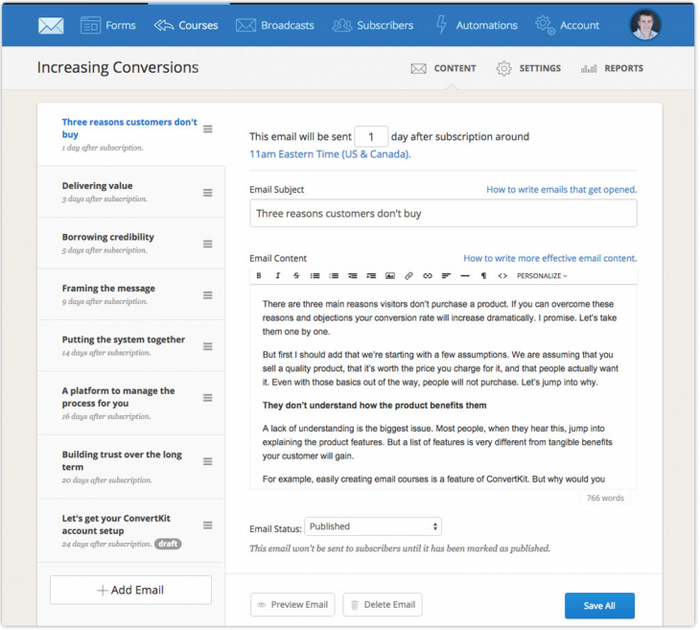
1. Log in to DPD and go to Integrations in the left menu 2. Add the ConvertKit integration to your store 3. Log in to ConvertKit and go to your Account page. Copy and paste the API key from ConvertKit to DPD. 4. Select the existing ConvertKit tag you want to attach to all DPD customers sent to ConvertKit and save. For detailed instructions and screenshots please see our Integrating with ConvertKit KB article. All future sales through DPD will automatically send your customer's information to ConvertKit with the tag you selected. These subscribers can then be used for automation rules, broadcasts, or courses in ConvertKit. We're really impressed with the ConvertKit system and look forward to working with them!Other Changes in this Update:
- Fixed Upsell feature image height alignment issues
- Fixed a text display issue with span tags in the Upsell feature
- Fixed a display issue related to daylight savings time and the dashboard graphs
- Updated invoice template to always show customer name / email provided in the cart
- Added user selectable test mode to card based payment methods
- Internal tool and script updates for customer service
Start Your 30-Day Free Trial Today.
No Commitments. Cancel Any Time.
Not ready to commit yet? We understand. Start a 30-day trial of our e-book publishing platform for FREE and explore how it can help you sell e-books, digital products, and downloadable content. No credit card required.
If you’re not happy with our online publishing platform, you can cancel at any time. No questions asked. That’s how confident we are with our product.