In this week's update we have a new feature for customers- they can now send their downloads directly to their Dropbox account instead of downloading.
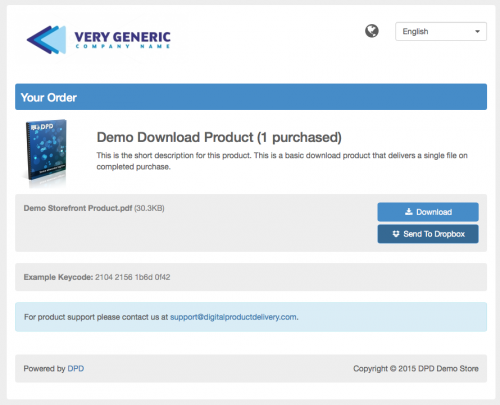
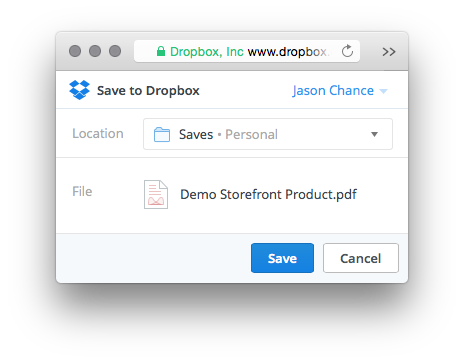
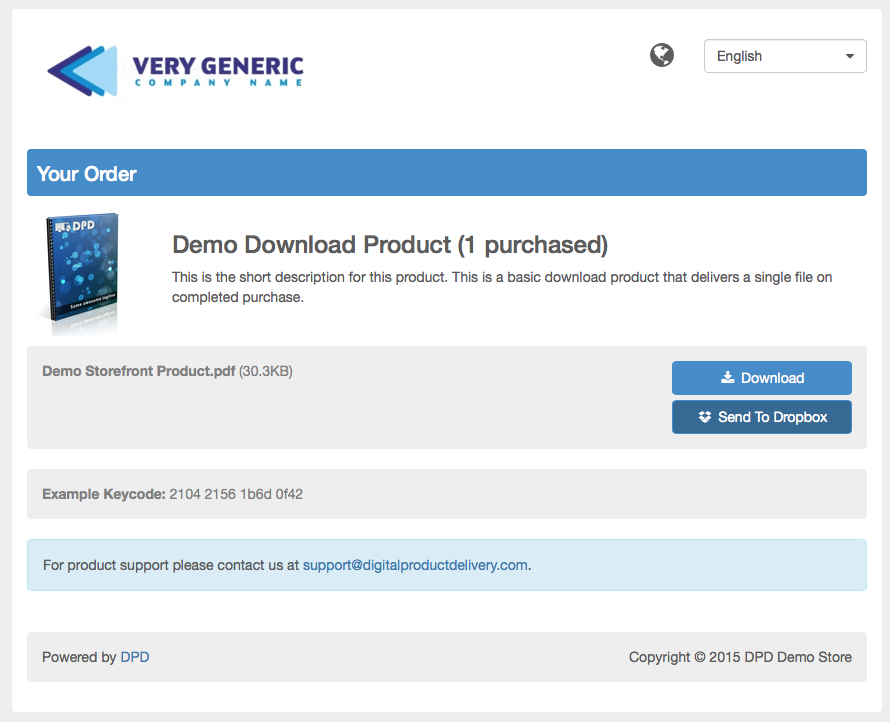
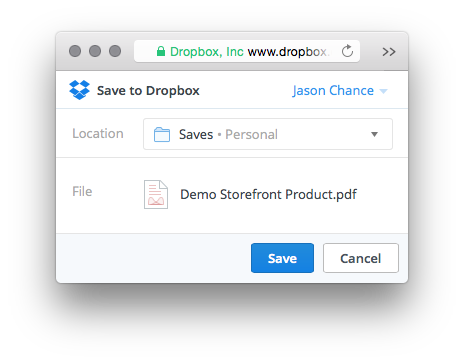
This new option, which can be disabled on a per-store basis by the vendor under Store Preferences, adds a "Send to Dropbox" button for each downloadable file on the delivery page:Clicking the Send To Dropbox button will open a dialog that lets the customer log in to their Dropbox account and decide which folder the item should be placed in:
Once the buyer tells Dropbox where to save the file thats it! Dropbox will copy the file directly from DPD to the buyer's Dropbox folder and sync with their desktop and devices.
We think this will be great for all customers, letting them reliably download files even when they have a poor connection, but Vendors can disable the Send to Dropbox option on a per-store basis by going to Store Preferences in the left menu and unchecking the "Enable Send to Dropbox" option.
Other bug fixes in this release:
Fixed a cart issue when a country that does not use states / provinces still displayed a state selection.
Fixed invoice translations being applied and made invoice use standard language translation pulldown.
Fixed buttontext and buttonhoverbg colors not applying to the checkout button in the cart.
Fixed not being able to uncheck the "Show once per sale" option on conversion tracking integration.
Start Your 30-Day Free Trial Today.
No Commitments. Cancel Any Time.
Not ready to commit yet? We understand. Start a 30-day trial of our e-book publishing platform for FREE and explore how it can help you sell e-books, digital products, and downloadable content. No credit card required.
If you’re not happy with our online publishing platform, you can cancel at any time. No questions asked. That’s how confident we are with our product.