Update: Cart Custom Fields and Other Tweaks
- Jason
- DPD Updates, Feature Spotlight
Demo Cart Product: $5.99
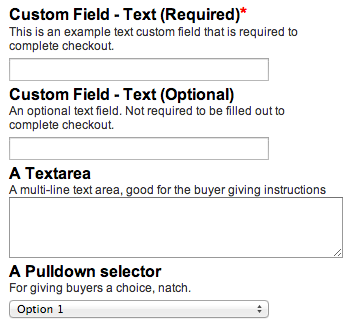
Example showing custom required and optional fields

The contents of custom fields are displayed with the purchase record in the DPD admin. We'll soon be adding the ability to populate custom fields with input from your website, and send the custom fields via the DPD IPN system to your own scripts and programs.
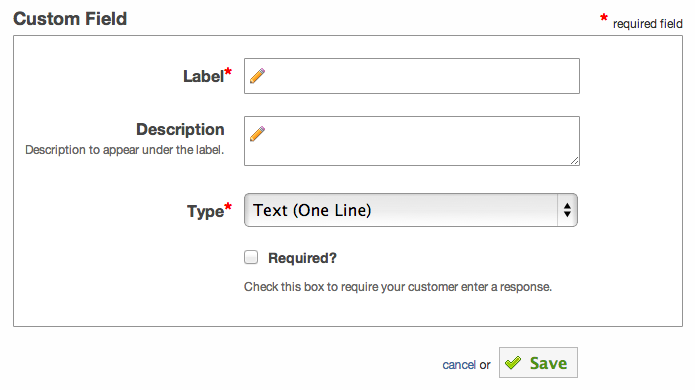
Just like everything else in DPD, creating a custom field is easy with no coding required. Simply go to Custom Fields in the left menu for the store you'd like to add the fields to checkout, click the "Add New Custom Field" button, and fill out the form:
Example showing custom required and optional fields
- Added a subscription signup complete email with their username and login URL
- Optimized purchase csv export to prevent an out of memory condition for very large exports
- Fixed an error that sometimes occurred on cart/remove action
- Updated the way tax and discounts are calculated to comply with GST/PST/VAT requirements
Start Your 30-Day Free Trial Today.
No Commitments. Cancel Any Time.
Not ready to commit yet? We understand. Start a 30-day trial of our e-book publishing platform for FREE and explore how it can help you sell e-books, digital products, and downloadable content. No credit card required.
If you’re not happy with our online publishing platform, you can cancel at any time. No questions asked. That’s how confident we are with our product.